

Best Zelda: Ocarina of Time Remake Overlays, Widgets & Stream Deck Icons
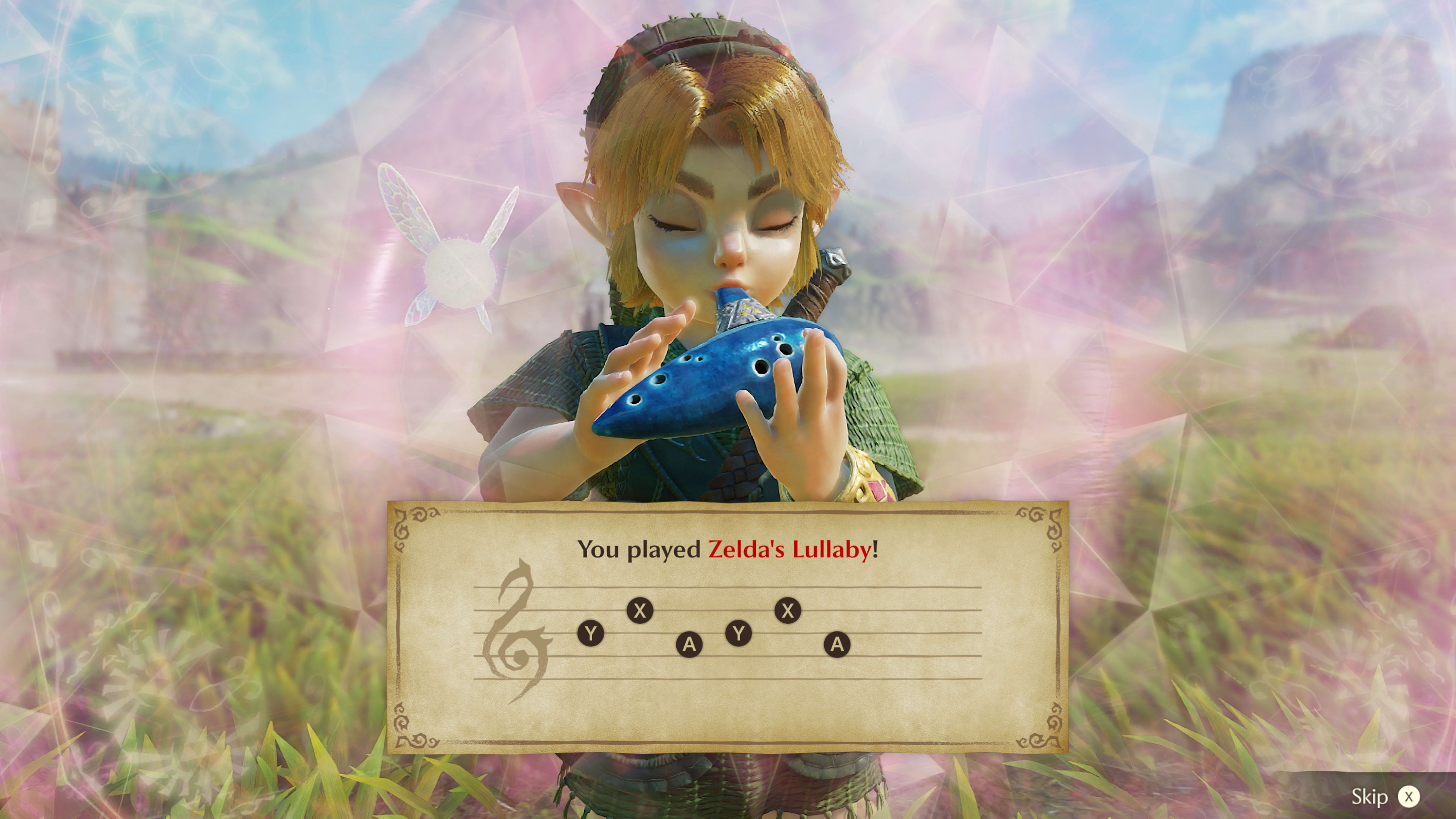
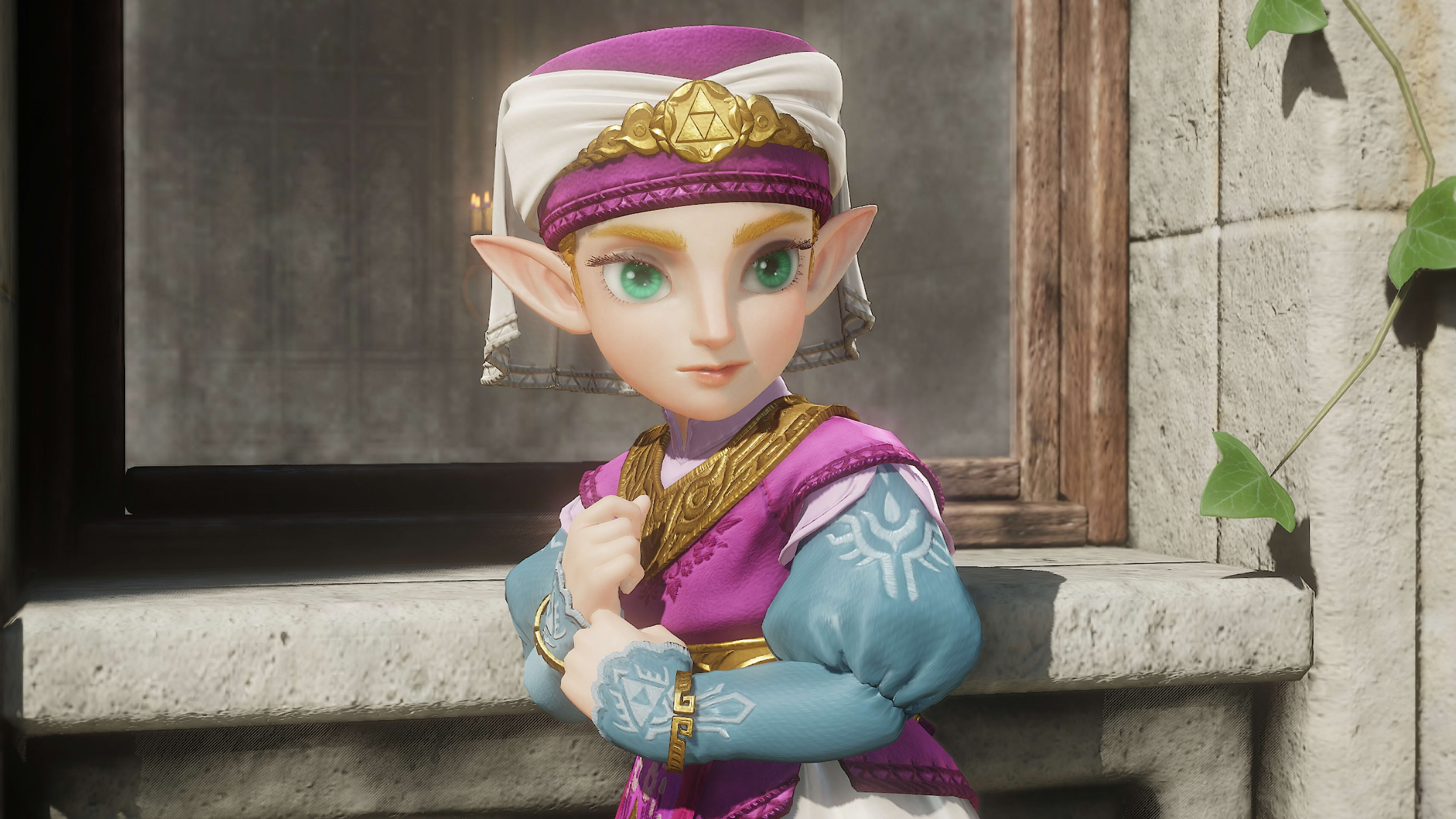
The Ocarina of Time remake is now a real launch target for creators. Nintendo used its September 8 Zelda 40th Anniversary Direct to show the Switch 2 remake in action and confirm a November 5, 2026 release. If you plan to stream it, the strongest visual direction is not generic fantasy. It is a clean Hyrule-inspired setup that supports the remake's brighter environments, classic adventure identity and renewed focus on story.
Best complete match: Legend Stream Overlay. Best widget match: Legend Animated Widgets. Best Stream Deck fit: Jade Velocity Icons. Build around green, blue, gold and soft fantasy lighting, then keep the gameplay area visually quiet.
1. Why the Ocarina of Time remake is a launch-week stream event
Nintendo is positioning this as more than a resolution bump. The Switch 2 version has completely overhauled visuals, fully voiced cutscenes, expanded dialogue, symphonic orchestral music, improved camera control, new jump and dash commands, faster loading and smoother performance. The new Threads of Time feature also gives players a built-in way to review story progress and objectives.
Release: November 5, 2026
Platform: Nintendo Switch 2
Status: Announced and available for preorder, not yet released as of September 9, 2026
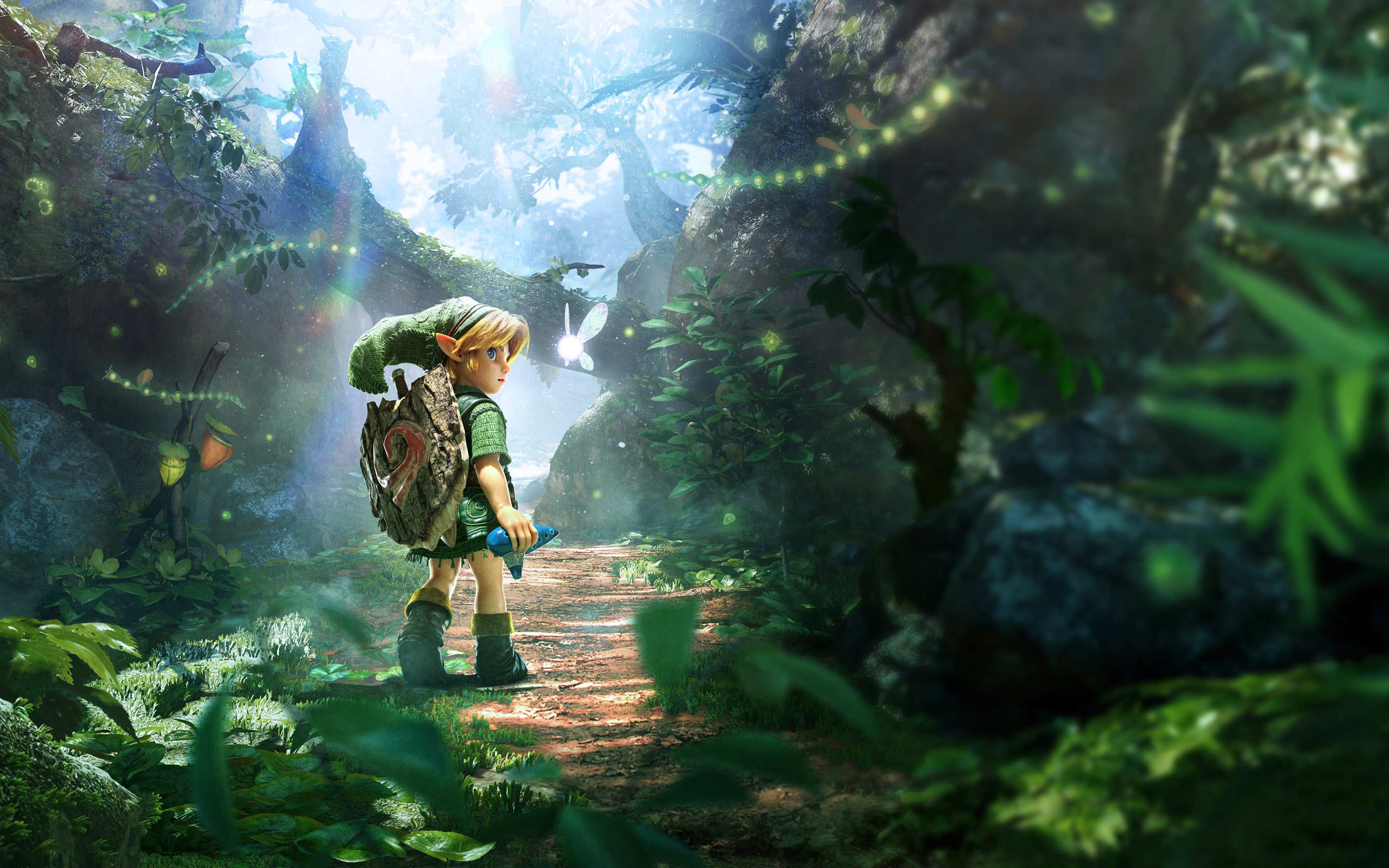
2. Best complete overlay: Legend Stream Overlay
For a full scene package, Legend Stream Overlay is the closest verified byKron match. Its own product page describes the theme as inspired by adventures like Zelda, using a starlit sky, ancient landscapes and a heroic fantasy tone. That is a much more natural fit for Ocarina of Time than a neon esports package.
The practical advantage is restraint. Use the themed Starting Soon, BRB and Ending scenes heavily, but keep the live gameplay scene lighter. Ocarina of Time already has a strong visual language, so your overlay should frame it rather than compete with it.
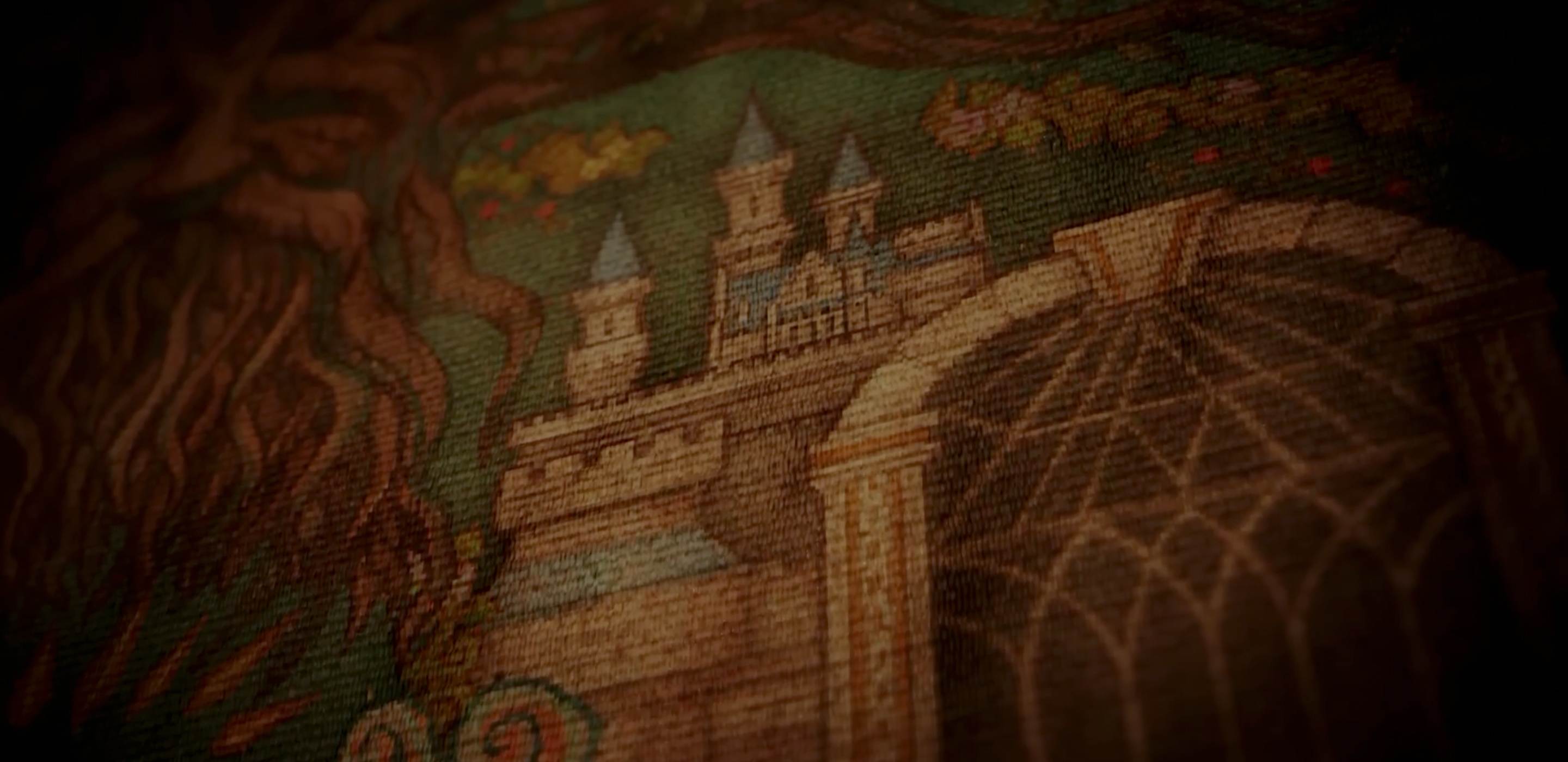
3. Best widgets: Legend Animated Widgets
If you already have a clean scene layout and only want matching interface elements, Legend Animated Widgets is the better choice. The pack includes editable Follower Goal, Donation Goal, Recent Events, Spin Wheel, Viewer Count and Chat Box widgets, plus animated alerts.
For this game, prioritize the Chat Box, Recent Events and Viewer Count. Save the Spin Wheel for intermissions or community challenges, such as choosing a side quest, item restriction or next area to explore. The goal is to make audience interaction feel part of the adventure without covering the HUD.
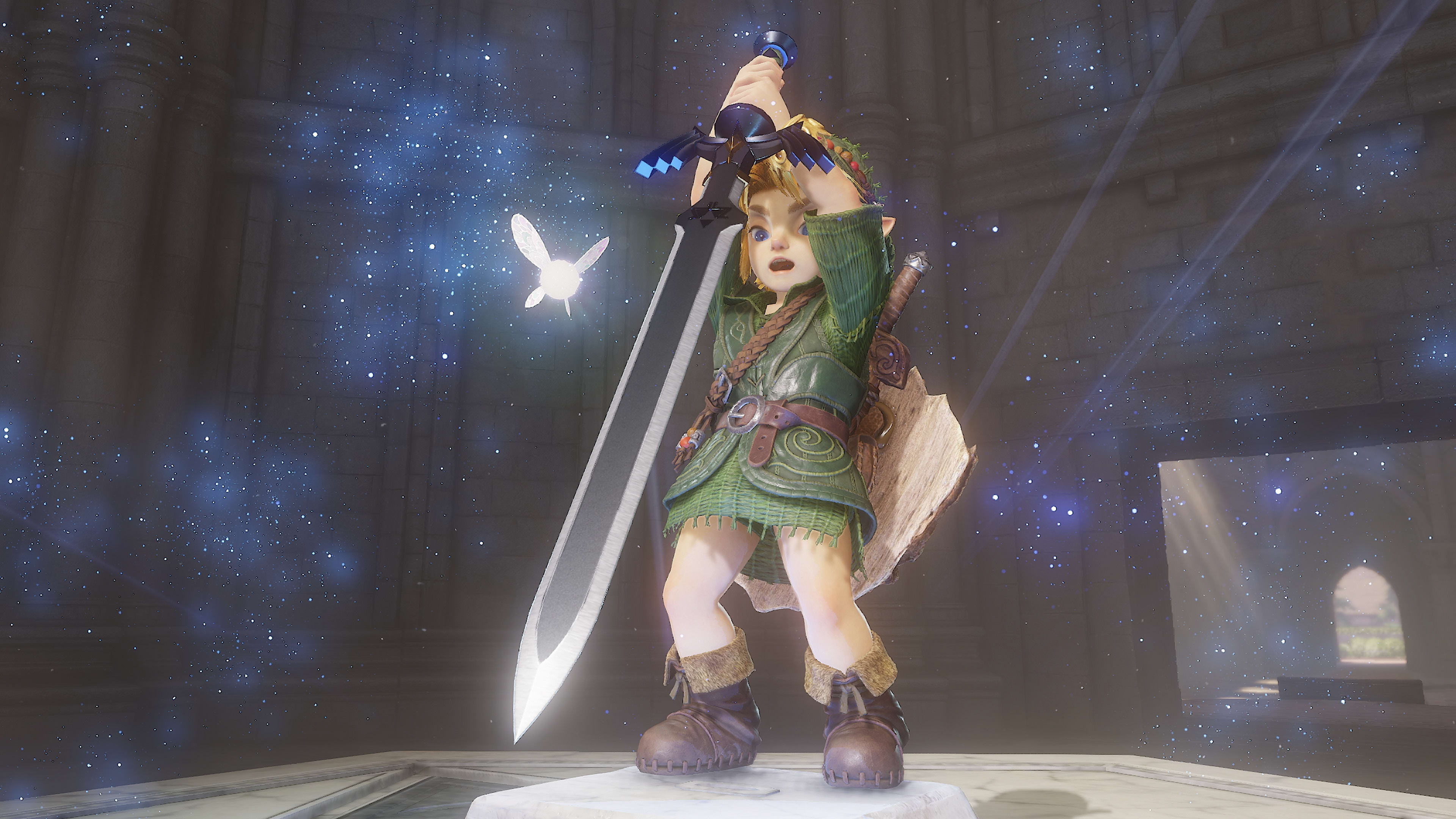
4. Best Stream Deck icons: Jade Velocity Icons
byKron does not currently have a verified Ocarina of Time-specific Stream Deck icon pack in the products checked for this article. Jade Velocity Icons is the closest honest thematic option. It uses rich green gradients, glossy button surfaces and clean white symbols across 176 icons.
Use the icons for scene switching, microphone states, media control and other live-production shortcuts. Matching your physical controls to the stream palette is a small detail, but it makes the setup feel intentional on camera or in behind-the-scenes content.
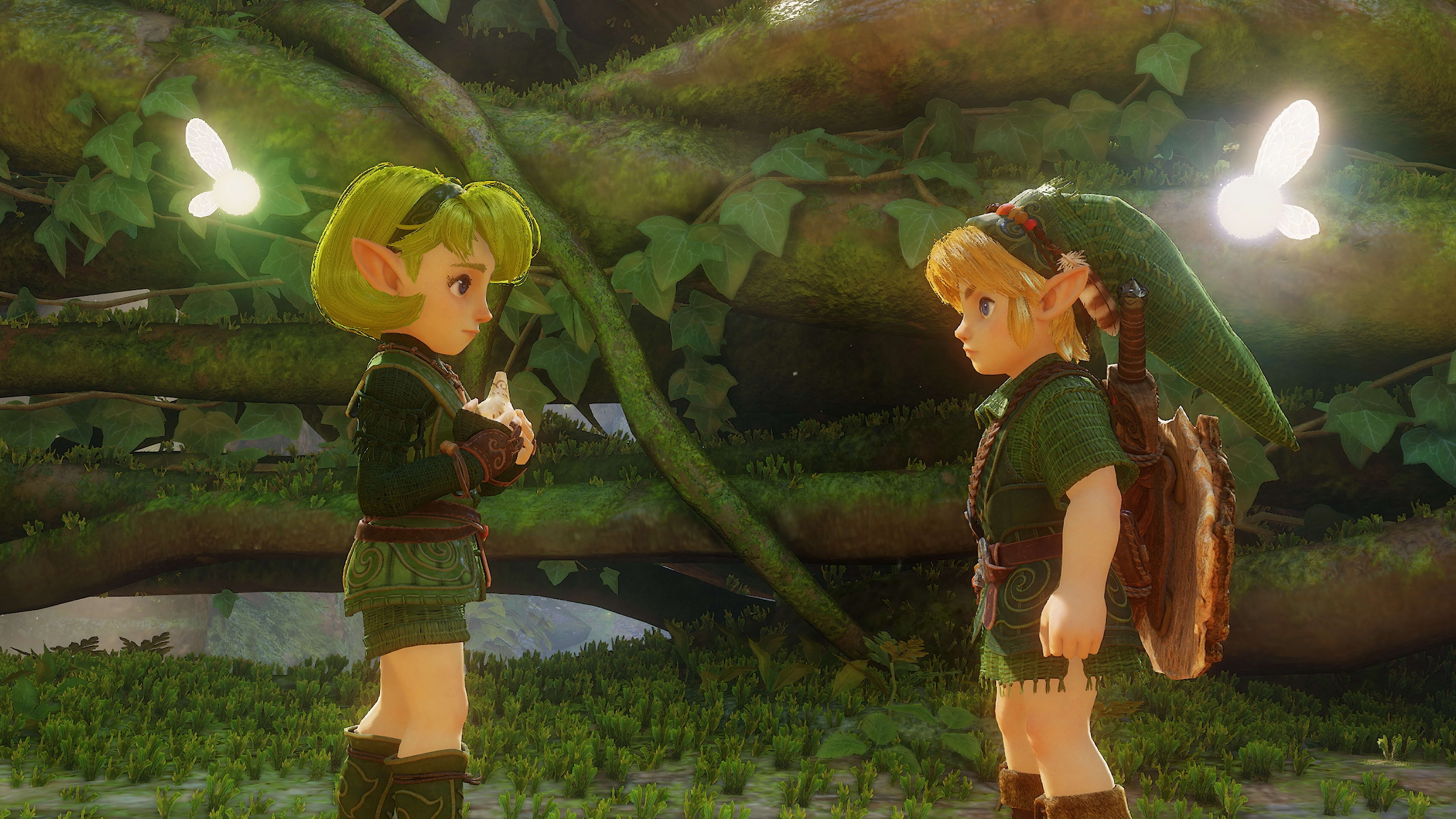
5. Build the stream around the remake, not just the frame
The strongest creator angle is the contrast between a 1998 classic and a 2026 rebuild. Nintendo has already confirmed modern camera movement, new jump and dash controls, voiced cutscenes, expanded dialogue and the Threads of Time story tracker. Those changes give you ready-made discussion points beyond a standard first-playthrough stream.
Launch-night countdown and first reaction stream
N64 versus Switch 2 visual comparison
Reaction to fully voiced cutscenes and expanded dialogue
Dungeon and boss breakdowns
Threads of Time review after several hours of play
Ocarina melody challenge using the Switch 2 microphone feature
Nintendo also says players can hum ocarina songs into the Switch 2's built-in microphone. That is an unusually stream-friendly mechanic because it can become a recurring live bit without forcing a gimmick onto the game.
FAQ
When does The Legend of Zelda: Ocarina of Time remake release?
Nintendo lists The Legend of Zelda: Ocarina of Time for Nintendo Switch 2 for November 5, 2026.
Is the new Ocarina of Time a full remake?
Yes. Nintendo describes the Switch 2 version as remade for a new era and built from the ground up, with completely overhauled visuals, voiced cutscenes, expanded dialogue, symphonic orchestral music, faster movement, modern camera control and other gameplay changes.
Which byKron overlay fits the Ocarina of Time remake best?
Legend Stream Overlay is the closest verified match because byKron explicitly describes it as inspired by fantasy adventures like Zelda, with a starlit, ancient-world visual direction.
Which widgets and Stream Deck icons fit this stream setup?
Legend Animated Widgets are the strongest direct thematic match for chat, goals, recent events, viewer count and other on-stream elements. Jade Velocity Icons are a separate, non-Zelda-branded option whose green visual language fits a Hyrule-inspired Stream Deck setup.
Conclusion
For Ocarina of Time on Switch 2, the best stream design is fantasy-forward but quiet during gameplay. Legend Stream Overlay is the strongest full package, Legend Animated Widgets is the better modular option, and Jade Velocity Icons gives the Stream Deck a matching green direction without pretending to be an official Zelda product.
Start with the closest verified Zelda-inspired byKron package, then keep your live gameplay scene clean for the remake.
View Legend Stream OverlayKeep learning
Learn more about how to improve your stream.


